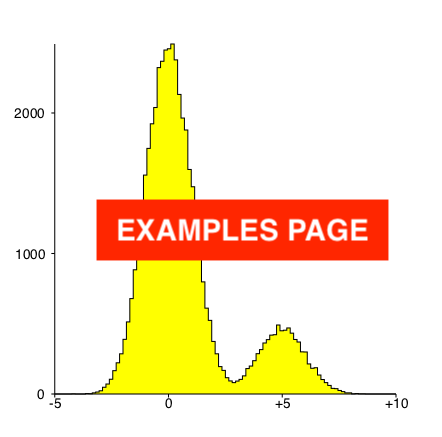
cat many_numbers.txt                 | hist            [options]
cat many_X_w_pairsOfNumbers.txt      | histWeighted    [options]
cat many_X_Y_pairsOfNumbers.txt      | hist2d          [options]
cat many_X_Y_w_tripletsOfNumbers.txt | hist2DWeighted  [options]
hist-exec [help [command]]or
   hist-exec [mode hist|hist2D|histWeighted|hist2DWeighted]
             [n N] [l N] [u N] [int]
             [nx N] [lx N] [ux N] [intx] [ny N] [ly N] [uy N] [inty] [lz N] [uz N]
             [title TITLE] [notitle] [xname NAME] [yname NAME]
             [rightjustify] [centrejustify] [ynamedirection UP|DOWN|NORMAL]
             [logy] [logz]
             [quit] [showargs]
             [eps FILENAME] [pdf FILENAME] [svg FILENAME] [png FILENAME] [dump FILENAME]
             [nobox] [box] [boxx N] [boxy N]
             [mark] [overwrite] [ignoreweights] [style STYLE] [errors]
             [rainbow] [allanach] [greyscale] [userpal W R G B] [colourscale] [noautoscalezcolours] [fillvoid] [nofillvoid] [dark]
             [multi] [ratio A B] [ratio_connect_points] [ratio_disconnect_points]
             [profile x|y|xy] [fadeprofile] [[no]cropx] [[no]cropy]
             [nolegend]
             [normalize]
             [cumulate]
             [silent] [batch]
Sources are available here on bitbucket and the macport is here.
Free for academic or not-for-profit usage. One tub of clotted cream per user otherwise.